12 Best Voice Recognition Apps in 2025
Saving time and effort with Notta, starting from today!
Voice recognition apps convert speech to text using AI and speech recognition technology. The best apps in 2025 are Notta (98.86% accuracy), Dragon Professional (offline dictation), and Google Assistant (voice commands). These tools support multiple languages, work online and offline, and integrate with Windows, Mac, iOS, and Android devices with 80-98.86% accuracy.
Your hands are busy, your phone’s out of reach, and you need to send a message or take notes without typing. We’ve all been there, and luckily, voice recognition software saves the day.
These tools can handle everything from basic transcription to advanced voice commands that let you control your apps and devices.
We spent three weeks testing both popular and lesser-known apps to see which ones live up to the marketing hype. Since you can use voice recognition for different tasks, we included a variety of options for different situations.
In this article, we’ll review 12 of the best voice recognition apps of 2025 and highlight the top feature of each one.
How Do Voice Recognition Apps Compare?
Voice recognition software converts spoken words into text using AI and speech recognition technology. The best apps achieve 80-98.86% accuracy, support multiple languages, work online and offline, and integrate with popular platforms like Microsoft Office, Google Docs, and mobile devices. Options range from free built-in tools to enterprise solutions with custom vocabulary and speaker identification.
| Speech recognition software | Best for | Platform | Free trial | Price |
|---|---|---|---|---|
| Notta | Automated and 98.86% accurate transcription. | Windows, Mac, Android, iOS, Web. | Yes | Pro Plan - $8.33/month; Business Plan - $16.67/month. |
| Audiopen | Spontaneous voice notes | Web, iOS, Android | Yes | Free; Yearly Pass - $99;2-Year Pass - $149 |
| Siri | iOS Devices. | iOS devices | - | Free |
| Dragon Professional | Offline, long-form dictation | Windows | Yes | Dragon Home: $150 Dragon Professional Individual: $300 Dragon Legal Individual: $500. |
| GoogleAssistant | Voice commands | Android and iOS devices. | - | Free |
| Dictation | Instant voice recognition | Chrome browser | - | Free |
| Google Docs Voice Typing | Speaking into Google Docs | Windows 10, Mac, Android, iPhone, web, and Chrome. | - | Free |
| Amazon Transcribe | Recognizing multiple speakers | Meant for developers using AWS | No | Starting at $0.024 per min |
| Google Speech-to-Text | Large volumes of audio | Google Chrome | Yes | $0.016 per min- $0.024 per min |
| Microsoft Azure Speech Service | Microsoft Office integration | Windows | Yes | Free; pay-as-you-go starting at $1 per hour |
| IBM Watson Speech to Text | Transcribing bulk audio files | Requires API | Yes | $0.02 per minute |
| Speechmatics | Different English accents | Windows | Yes | $0.24 per hour |
How We Tested These Apps
We tested each voice recognition app over 3 weeks using standardized scenarios: dictating 500-word documents, transcribing 30-minute meetings with multiple speakers, and testing voice commands for common tasks like sending messages and setting reminders.
For transcription tools, we measured accuracy by comparing outputs to professional human transcripts. We evaluated response time from voice input to text display, tested recognition quality in quiet and noisy environments, and assessed language support by testing non-English dictation where available.
Which Voice Recognition Software Should You Choose?
The 12 best voice recognition apps include Notta for transcription accuracy (98.86%), Dragon Professional for offline use, Google Assistant for voice commands, and Siri for Apple devices. Enterprise options include Amazon Transcribe (speaker identification), Microsoft Azure Speech Service (Office integration), and IBM Watson Speech to Text (bulk processing). Accuracy ranges from 80% to 98.86% across all tools.
Now that we’ve covered the basics, let’s take a closer look at the top speech recognition tools and why each one is worth your time.
1. Notta
Best for: Transcribing speech and recordings with the highest accuracy.
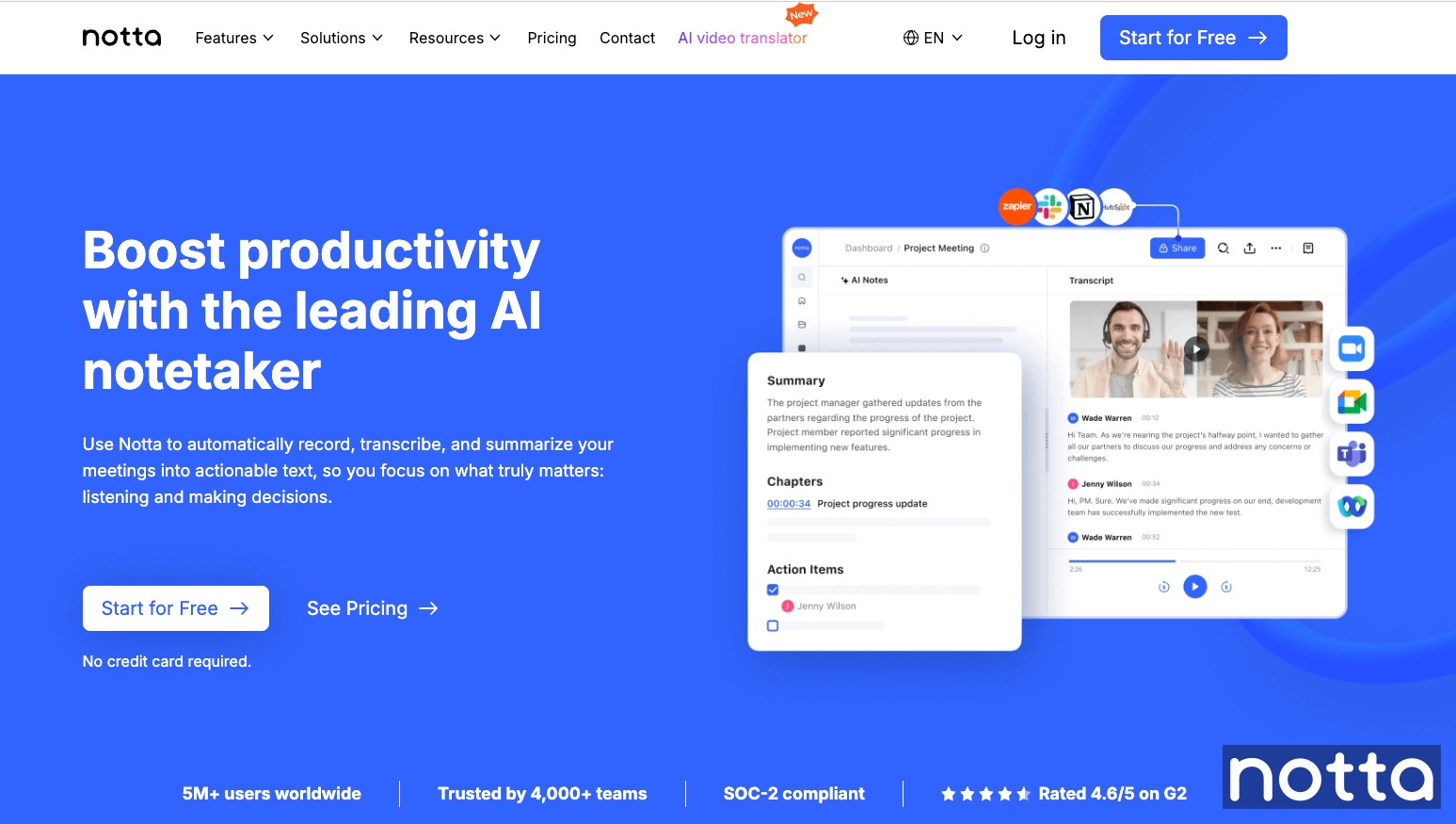
We're starting strong with Notta, an AI transcriber that converts speech into text with an impressive accuracy rate of up to 98.86%. Its precision makes it the most efficient tool on the market, since you don’t have to spend extra time editing and formatting the resulting text.
Its clean, intuitive interface makes it easy to start recording instantly, whether you’re capturing a quick thought or documenting an entire meeting. It works well for both short and long dictation without any drop in quality.
Notta is a popular choice for both personal and professional use across international teams, with support for over 58 languages. It also offers bilingual transcription and built-in translation.
Another impressive feature is speaker identification that distinguishes between different voices in interviews, meetings, or group discussions so transcripts remain clear and accurate.
Finally, you can record directly within the app or upload audio files for transcription for added flexibility. It’s available on the web, as a mobile app, and as a Chrome extension, so you can dictate and record your voice at any time on any device.
Features:
Transcription accuracy rate of 98.86%.
Bilingual transcription.
Supports 58 different languages for voice recognition.
Data is encrypted using the AES-256 encryption algorithm.
Available as a Chrome extension, web app, and mobile app.
Pros:
Notta is simple to use with a user-friendly interface.
Syncs data across platforms so you can access it from any device.
Detects and labels different speakers.
Cons:
No built-in voice commands.
Price:
Free plan available
Pro: $8.33 per month
Business: $16.67 per month
Enterprise: Custom pricing
2. Audiopen
Best for: Individuals who want to capture spontaneous voice notes.
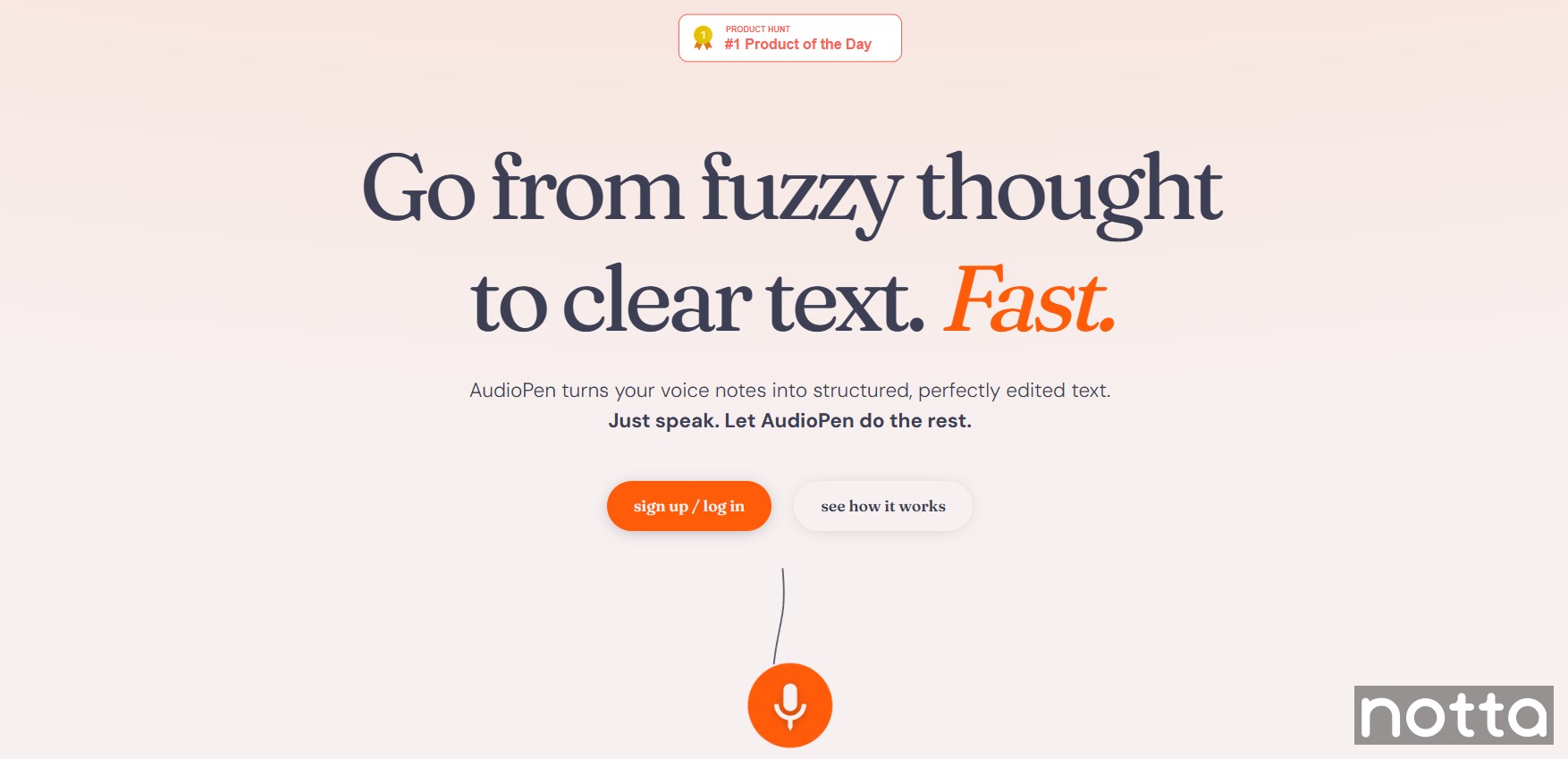
AudioPen is great for those moments when inspiration strikes and you’d rather say your ideas out loud than type them out. It turns your spoken thoughts into clear, readable text in seconds.
AudioPen uses advanced voice recognition to accurately transcribe speech, and you can improve it further by adding industry-specific terms or technical vocabulary.
Features:
Straightforward speech-to-text software.
Supports over 40 languages, including Afrikaans, Japanese, and Korean.
Folders and tags for organizing notes.
Option to type text manually and generate summaries for paid users.
Pros:
Audiopen doesn’t use your voice data to train its AI.
It has a simple and intuitive user interface.
Prime users can upload up to 100 files per month.
Cons:
You can only download the original audio on the paid plan.
Price:
Free plan available
Yearly Pass: $99
2-Year Pass: $149
3. Siri
Best for: People who use Apple products and want voice-controlled assistance for different tasks.

Siri is best for people who use Apple products and want reliable voice-controlled assistance for everyday tasks. You can access it instantly on any Apple device without installing extra apps.
It supports 21 languages with multiple dialects and can even recognize different voices. For example, if there are multiple members in your household, Siri will give personalized responses to each of them.
Siri’s advanced voice recognition also lets you send and read messages, make calls, check your calendar, search the web, and play music using only your voice.
Features:
Voice-activated control to send messages, make calls, and initiate FaceTime.
Accurate voice recognition in 21 languages and multiple dialects.
Integration with Apple apps and services to create reminders, set alarms, schedule events, and manage your calendar.
Pros:
Understands natural, conversational language rather than specific commands.
Multi-user voice recognition delivers personalized responses.
Cons:
Limited customization options compared to other voice assistants.
Price:
Free.
4. Dragon Professional
Best for: Offline, long-form dictation.
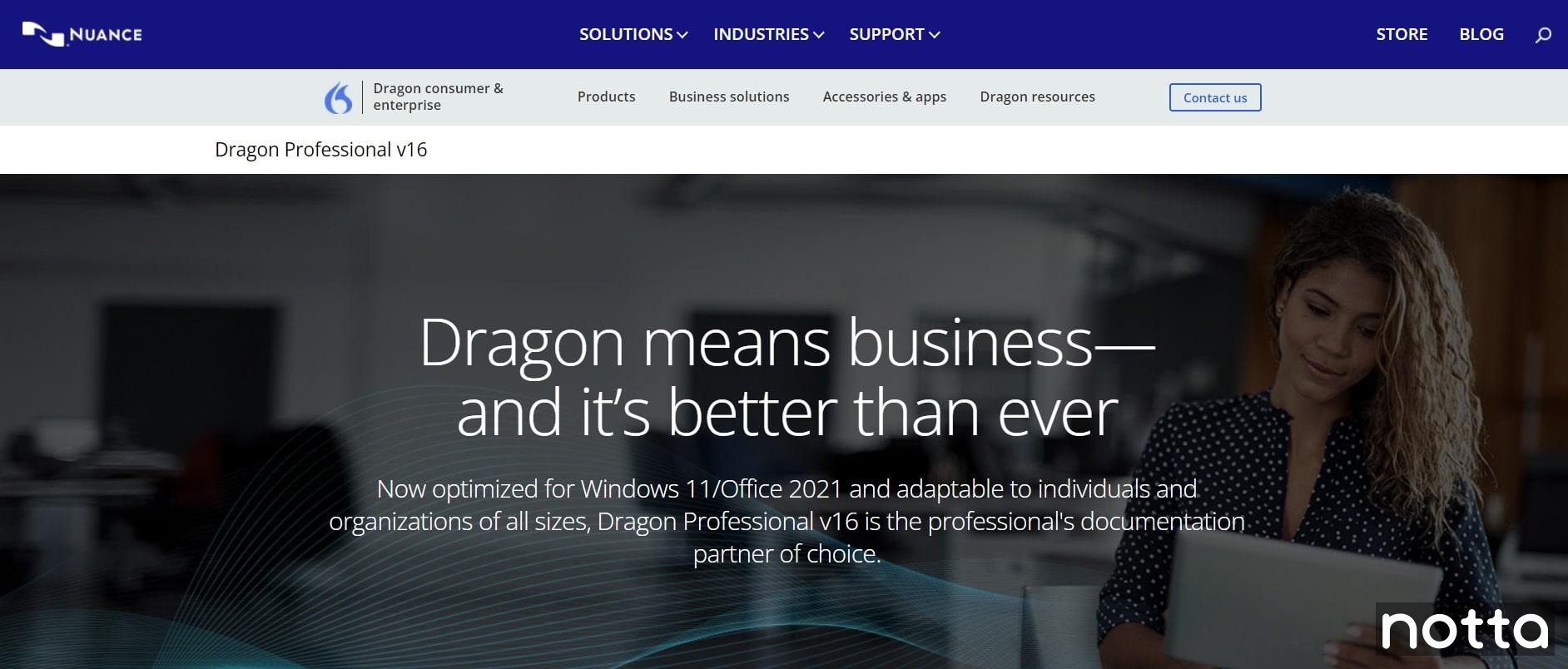
Dragon Professional v16 is a voice recognition tool that works both online and offline, making it ideal for situations with poor internet access or when you’re traveling.
It supports voice commands to edit and format documents, send emails, update calendars, search the web, and control popular apps like Microsoft Word, Outlook, and Gmail.
Every purchase also includes 12 months of access to the Dragon Anywhere Mobile app, so you can dictate and edit from iOS or Android devices.
Features:
Custom vocabulary support for industry-specific terms and acronyms.
Integration with software used in industries like finance, education, and healthcare.
Ability to edit and format documents using voice commands.
Pros:
It works offline, so you can use it without an internet connection.
Learns and improves over time for better speech recognition.
No time limits on long dictation.
Cons:
Higher upfront cost compared to other tools.
Price:
Dragon Professional: $699 one-time payment
Dragon Professional Anywhere: $55 per month
Dragon Legal: $799 one-time payment
Dragon Legal Anywhere: $65 per month
Dragon Anywhere Mobile: $15 per month
5. Google Assistant
Best for: Assisting users using voice commands.
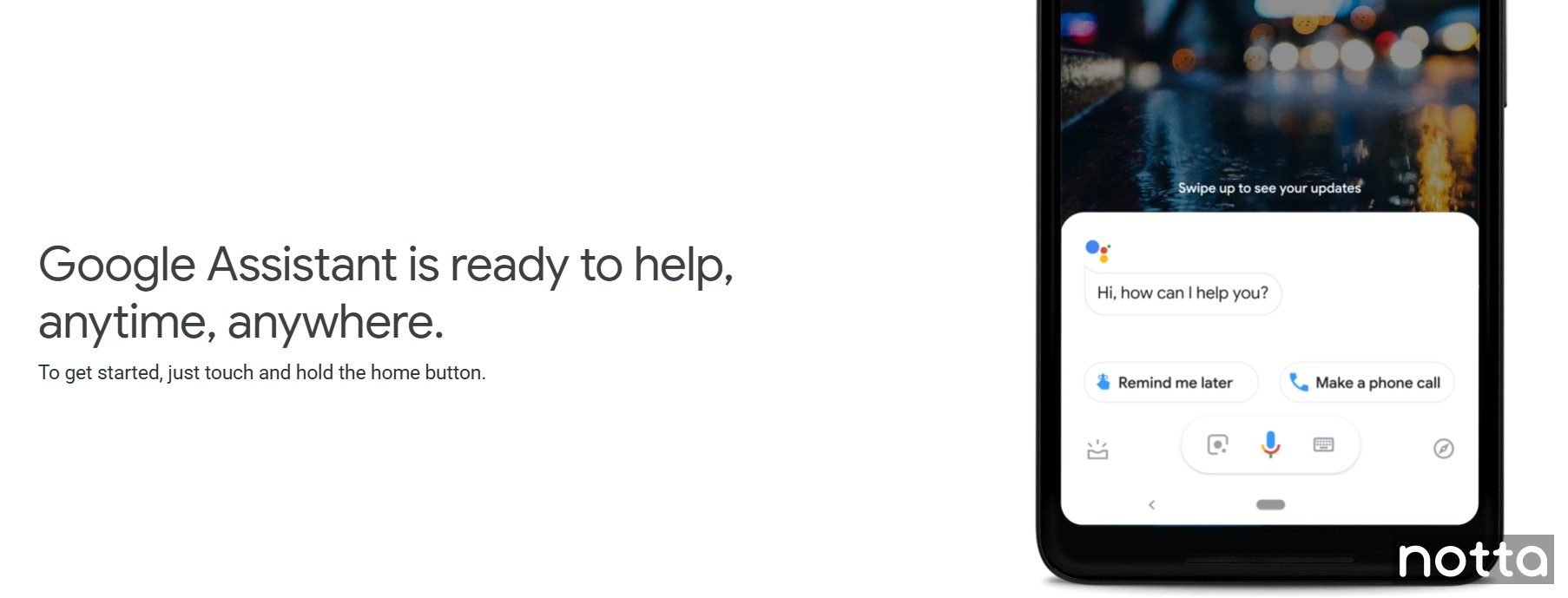
Google Assistant is Google’s AI-powered voice recognition tool that lets you operate apps, manage tasks, and control devices using natural speech.
You can use it to send messages, set reminders, manage your smart home devices, and more.
By integrating with a wide range of apps and services, Google Assistant makes it easy to switch between tasks and stay productive.
Features:
Voice control for a wide range of apps like Google Maps, Gmail, Spotify, WhatsApp, and YouTube Music.
Smart home control for lights, locks, and thermostats.
Hands-free photo and video capture on compatible devices.
Pros:
You can create custom shortcuts to access your apps more quickly.
It lets you set up reminders using just your voice.
Cons:
Always-on voice detection can drain battery life, especially on older devices.
Price: Free.
6. Dictation
Best for: Instant, no-setup voice recognition.
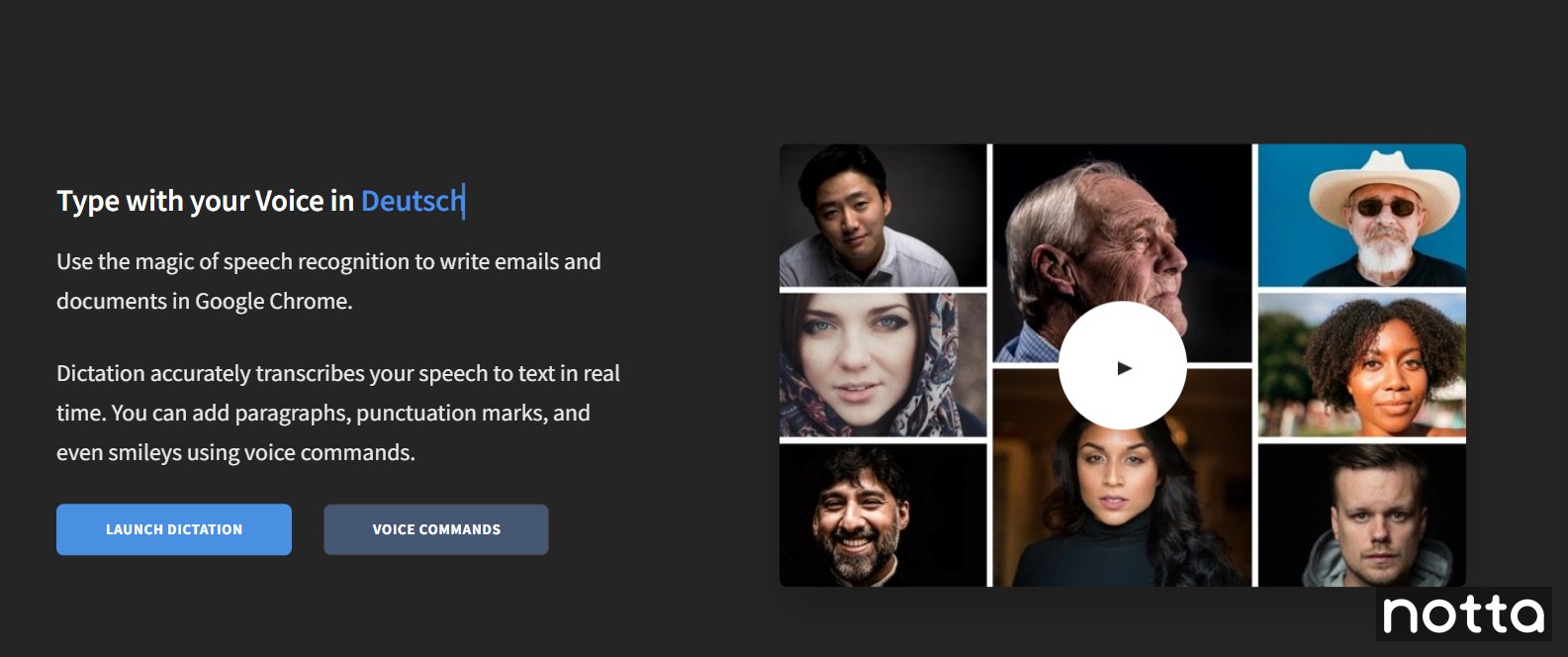
Dictation.io is a simple, web-based voice dictation tool that lets you start speaking and see your words appear on the screen instantly.
You don’t have to download an app or create an account, just open the site in Chrome, click the microphone, and start talking. It’s great if you’re using a shared or work device that doesn’t let you install third-party apps.
Dictation is a convenient tool for quick, on-the-go audio transcription. However, it lacks advanced features like speaker identification.
Features:
Supports 125 different languages.
Ability to add paragraphs, punctuation, symbols, and emojis using simple voice commands.
Uses the Google speech recognition engine to transcribe speech.
Pros:
You don’t have to create an account to use it.
It’s easy to use with no overwhelming features.
Cons:
It only works in Google Chrome.
Price:
Free.
7. Google Docs Voice Typing
Best for: Dictating directly into Google Docs.
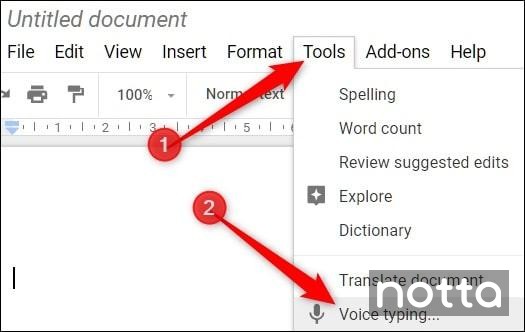
Google Docs Voice Typing is a free voice recognition feature that turns human speech into text directly in Google Docs. You can dictate from virtually any device using your browser.
In addition to basic transcription, it lets you navigate through text, select passages, and highlight different sections without using your keyboard. It also supports hands-free editing commands like “undo” or “redo” and lets you apply formatting and create lists.
For the best results, you’ll need to speak slowly and clearly. Accuracy can drop in noisy environments or if you have a strong accent. It’s also only available in English, so it’s not a great option for non-native speakers.
Features:
Recognizes speech in over 100 different languages.
Lets you select text, move the cursor, and apply formatting using only your voice.
Works on Google Chrome, Microsoft Edge, and Apple Safari browsers.
Pros:
Free to use with any Google account.
Accessible for users with physical disabilities.
Saves time by replacing manual typing with voice input.
Cons:
Requires an internet connection.
Price: Free.
8. Amazon Transcribe
Best for: Recognizing and transcribing speech from multiple speakers.
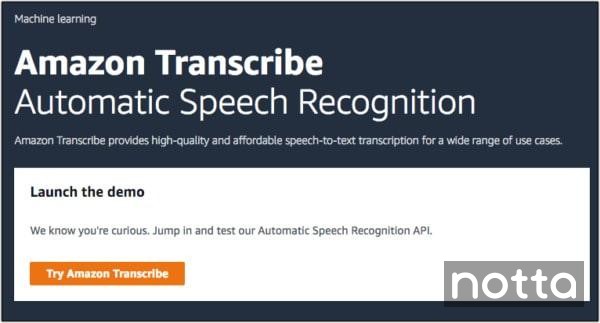
Amazon Transcribe is a cloud-based voice recognition service that can convert both live and recorded speech into text.
One of its key features is speaker diarization, which accurately identifies and labels different speakers in the transcript. As a result, Amazon Transcribe works great for meetings, interviews, and conversations with multiple people.
Keep in mind that Amazon Transcribe is not a classic speech-to-text converter, but a voice recognition engine that you can access through AWS tools.
Features:
Speaker diarization to label multiple voices in a recording.
Real-time transcription in over 54 languages.
Custom vocabulary for technical or branded terms.
Pros:
Works with live and pre-recorded audio.
Integrates with other AWS services.
Cons:
Requires AWS account setup, which can be complex for first-time users.
No built-in editing tools.
Price:
Standard batch transcription: $0.024 per minute for the first 250,000 minutes per month
Medical transcription: $0.075 per minute
9. Google Speech-to-Text
Best for: Transcribing large volumes of audio quickly.
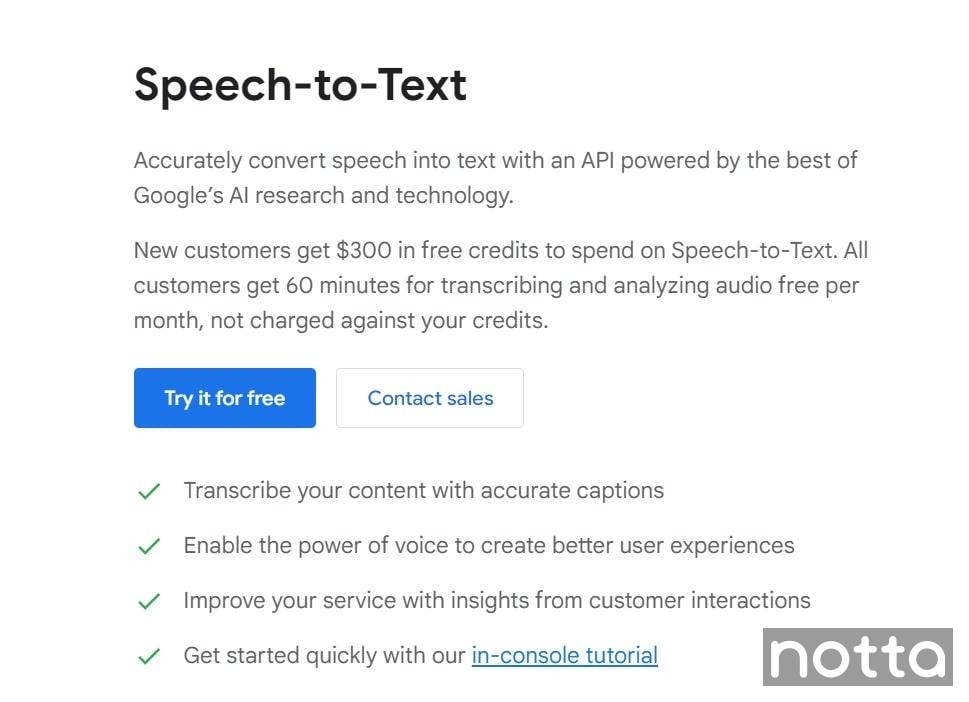
Although Google Speech-to-Text works well for simple voice recognition tasks, it’s best suited for long recordings. It can process hours of audio in a single file without splitting it into smaller segments.
Since it’s built on Google’s cloud infrastructure, it handles both streaming and batch audio transcription at scale. It also uses artificial intelligence to maintain accuracy even in large batches by using context from earlier parts of the recording.
Features:
Content filtering to remove inappropriate language.
Automatic formatting for dates, numbers, and phone numbers.
Speech-to-Text API v2 offers enterprise-grade encryption.
Pros:
It supports multiple languages, including Arabic, Italian, and Norwegian.
Automatically adds punctuation for cleaner transcripts.
Cons:
Requires setup through the Google Cloud Console and API.
Price:
Speech-to-Text V1 API: $0.024 per min
Speech-to-Text V2 API: $0.016 per min
New users get $300 in credits and 60 transcription minutes per month.
10. Microsoft Azure Speech Service
Best for: Enterprise teams that need transcription integrated with Microsoft Office.
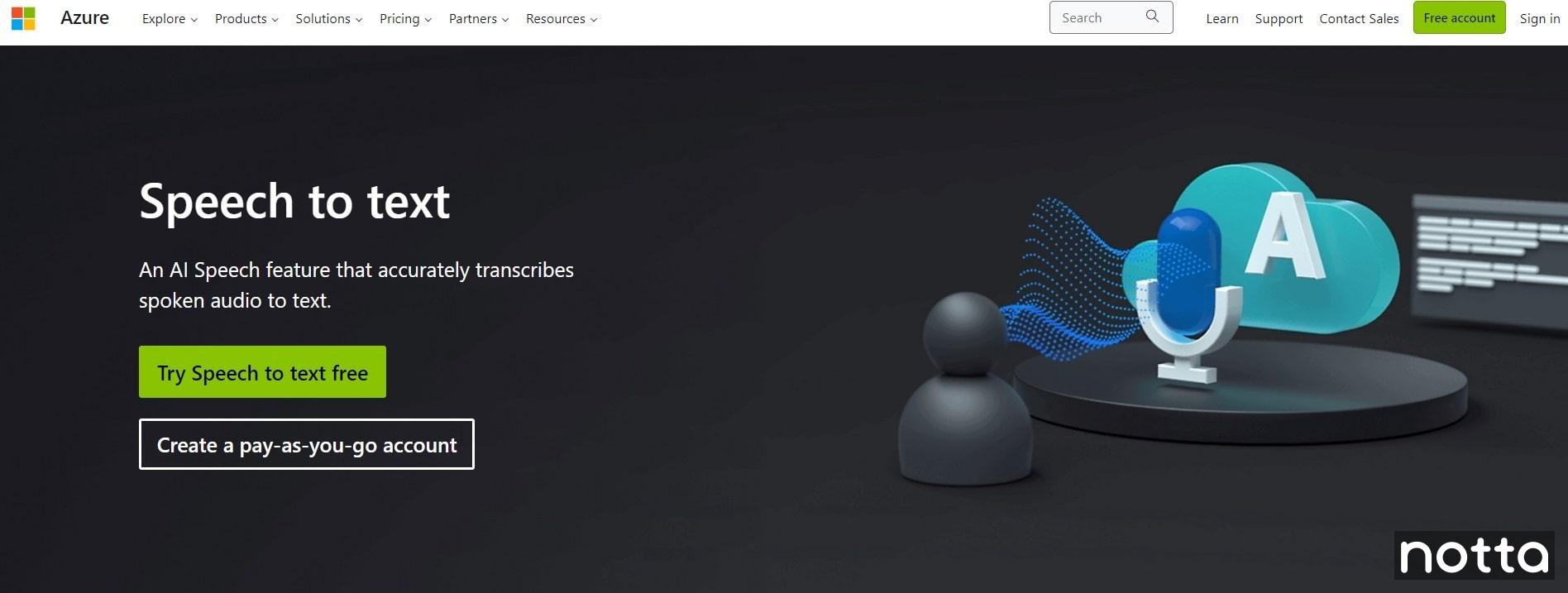
Microsoft Azure Speech Service is a voice recognition tool that works with Microsoft Office and other Microsoft products.
It supports over 100 languages, can be trained to recognize industry-specific terms, and handles both real-time and recorded audio. It’s a good choice for teams that need large-scale voice recognition projects.
Features:
Deep integration with Microsoft products.
Embedded security and compliance.
Pros:
Azure Speech can automatically detect different languages.
Supports custom keyword and wake word detection.
Cons:
It has a steep learning curve.
Price:
Free version available.
Pay-as-you-go starts at $1 per hour for real-time transcription.
11. IBM Watson Speech to Text
Best for: Processing bulk audio files
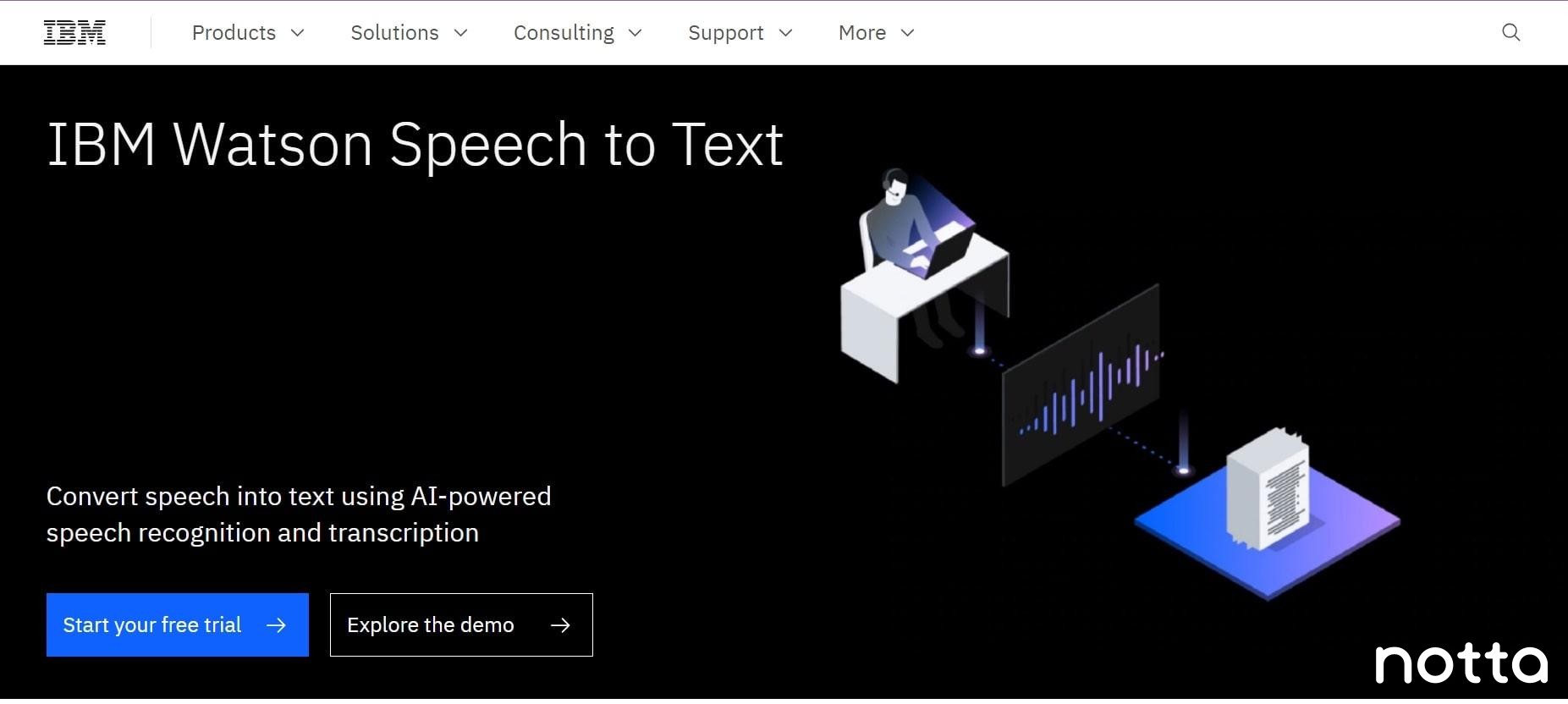
IBM Watson Speech to Text is ideal for processing bulk audio input. It supports large file uploads of up to 1 GB of audio in a single request with its asynchronous API.
It’s a strong choice for businesses, media companies, or research teams working with long recordings or high volumes of audio.
Although it offers plenty of integrations and customization options with its API, it is overly complex for simple voice recognition.
Features:
Deployable on any cloud (public, private, hybrid, multicloud, or on-premises).
Security-focused with IBM’s enterprise-grade data governance.
Pros:
Scales easily for bulk projects.
You can train it to adapt to your voice characteristics and improve over time.
Cons:
Requires technical setup to access advanced customization.
Price:
Lite: Free for 500 minutes per month
Plus: $0.02 per minute
Premium: Custom pricing
12. Speechmatics
Best for: Adapting to different English accents.
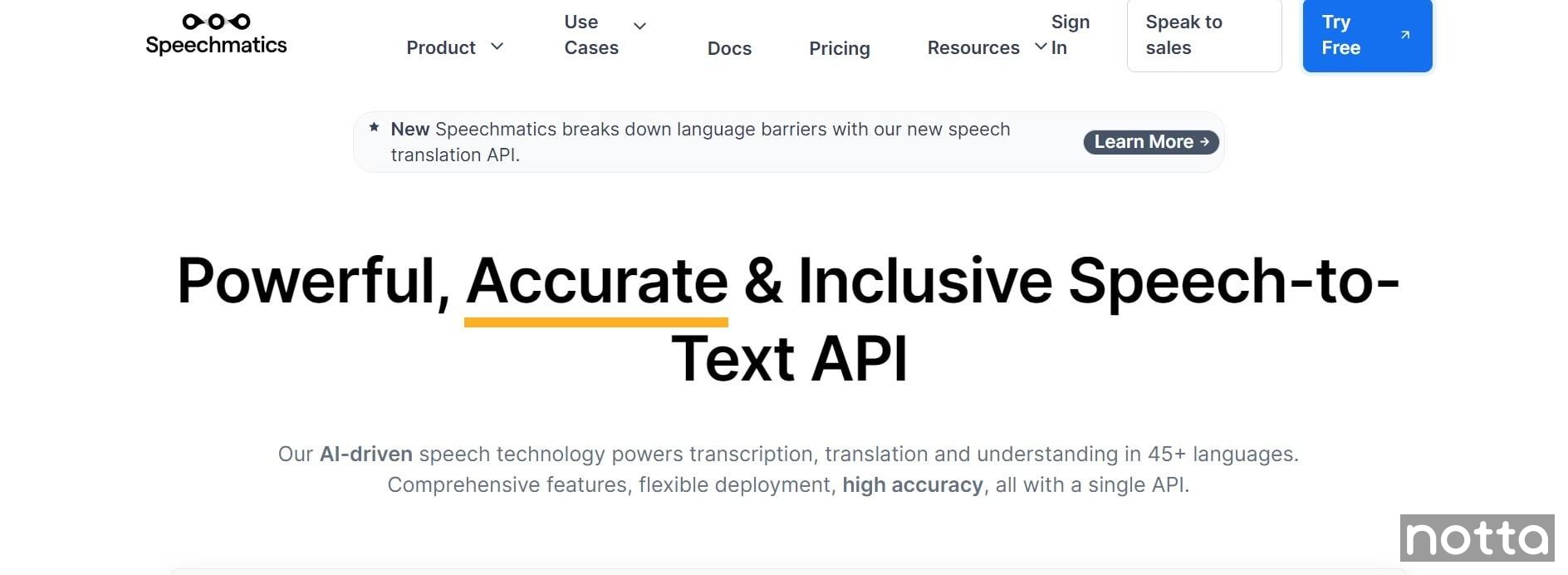
Speechmatics can handle a wide variety of English accents by training its AI on real-world speech from diverse speakers. This approach allows it to adapt to subtle pronunciation and maintain high accuracy across accents like South African, British, American, Canadian, and Jamaican.
Features:
Recognizes and adapts to multiple English accents and dialects.
Supports transcription of phone calls and multi-speaker audio.
Works on desktop, mobile devices, or through API integration.
Pros:
You can create custom dictionaries with up to 1,000 specific terms.
One of the few tools with decent accuracy even in noisy environments.
Cons:
Fewer supported languages than other tools
Price:
Free plan available.
Pro: $0.24/hr
Enterprise: Custom pricing.
Key takeaways
Voice recognition software makes it easier than ever to turn your speech into text in real time. It's especially useful for students, professionals, journalists, or anyone who wants to save time by speaking instead of writing everything by hand.
There are many voice recognition tools available today, and finding the most accurate and reliable option can make a big difference. One app that consistently delivers on both fronts is Notta.
Overall, Notta stands out as the best voice recognition app in 2025. It can transcribe speech with up to 98.86% accuracy in 58 different languages. Not only does it support real-time voice recognition, but it also lets you upload existing audio and video files, giving you flexibility whether you want to record your ideas or transcribe recordings later.
FAQs
Does Windows 11 have voice recognition software?
Yes, Windows 11 has built-in voice recognition software through a feature called ‘Voice Access’ (sometimes referred to as Windows Speech Recognition). It allows you to control your PC, navigate apps, and dictate text using just your voice. You can open files, scroll through web pages, click buttons, and edit documents without touching your keyboard or mouse.
What are the disadvantages of voice recognition and handwriting recognition software?
The biggest disadvantage of voice recognition and handwriting recognition software is the risk of errors and misinterpretation.
Voice recognition may struggle with accents, unclear speech, or background noise, while handwriting recognition can misread messy handwriting. These mistakes can lead to frustration and often require users to spend extra time correcting the output.
Both tools also tend to work best in specific conditions, like quiet environments or good lighting, which isn’t always practical.
How to use speech-to-text on Google Docs?
Here are the steps to use speech-to-text on Google Docs:
Step 1: Open the document and go to the top menu. Click on 'Tools.'
Step 2: Select 'Voice typing'. A microphone icon will appear on the left side of your document.
Step 3: Click the 'Microphone' icon, then select ‘Allow’ to give your browser access to your microphone.
Step 4: Start speaking, and Google Docs will automatically convert your speech to text.
How much do voice recognition apps cost?
The cost of voice recognition apps varies depending on features and accuracy. Most apps range from $10 to $300 per year. Premium tools like Dragon Professional come at a higher cost because of their advanced customization options. Notta is one of the more affordable options, offering accurate transcriptions and AI summaries at a fraction of the price.
What is the most accurate voice recognition app?
The most accurate voice recognition app is Dragon Professional, claiming up to 99% accuracy. However, Notta provides nearly the same level of precision (~98.86%) while being far more affordable and easier to use across different platforms.
This article is ranking on page 3, so once again, we have lots of room to rewrite things. You need to take a strong stance on the changes, and you may need to replace some apps. If you need more help with this aspect, let me know and I'll be happy to give some suggestions.
To save yourself some work, please read all the guidance below before starting:
- The intro is obviously junk, so please rewrite in your style, ~100 words.
-Review the apps. Some should probably be replaced. For example, 'Google Now' hasn't existed since like 2016, long before the creation of Notta. Google folded most of the functionality into Google Assistant. I would say Assistant doesn't really fit here, except Siri is also on the list, and they both technically are voice recognition apps. Rev also arguably doesn't fit here since their big thing is the option to use human transcription for accuracy, which has nothing to do with voice recognition software. A basic voice dictation app like Audiopen might be a good replacement (bonus: voice dictation is a missing kw). Beey may also need replacing.
- The 'best fors' need to be fixed, eg, 'Best for: Automatic writing down of spoken words' lol.
- The product descriptions are pretty repetitive and unhelpful. Rewrite them with a focus on the main kw (voice recognition software) and search intent (choosing the best app). Use the 'best for' line as a guideline for how to pitch each app, once you've decided on how to position each one.
- Fact-check and update features/pricing
- There's also a fair bit of fluff, ie: "Pricing: The pricing structure for transcription services is as follows"
There is also regular use of indecisive language that should be removed, 'might' 'may be' etc.
- Surfer optimization is at 56, and there are quite a few missing kws that should be worked in.

